WordPress vs Wix in 2025: Which Platform Fits Your Website Best?
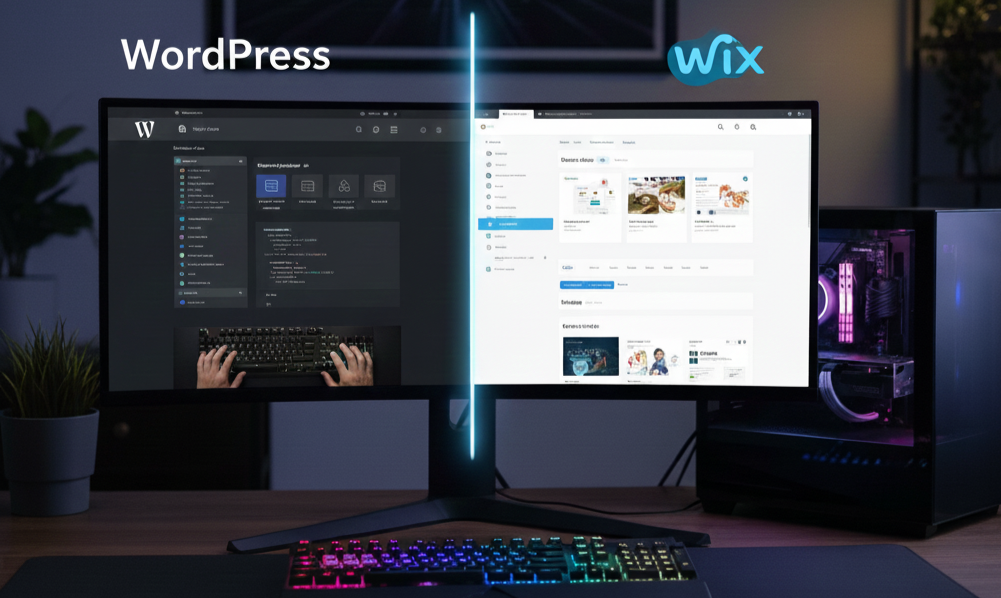
Choosing between WordPress and Wix in 2025 is not really about which platform is “better.” It is about which one matches how you actually run your site. The thing is, the systems really differ. WordPress is built around ownership and deep flexibility, while Wix is designed for speed, simplicity and low maintenance. Both can produce professional results, but the day-to-day experience is very different.
If you are still trying to figure out whether to choose Wix or another alternative to WordPress, we recommend exploring each platform in detail to understand what each tool is trying to optimize for before you compare them directly.
The Core Difference: Control vs Convenience
WordPress is self hosted. You choose hosting, install WordPress, select a theme, and add plugins to extend functionality. That gives you real control over architecture, performance and technical decisions. It also means the site is a system of moving parts that someone must maintain.
Wix is hosted. The editor, hosting, security updates and core tools are packaged together. For many small businesses, that bundled approach is the entire appeal: you spend less time managing the website and more time using it as a marketing and sales asset.
This trade off influences almost everything else, including design workflows, SEO control and long-term costs.
Design and Editing: How Fast Can You Ship Changes?
With WordPress, the editing experience depends heavily on your setup. A well configured theme with a modern builder can be smooth, but many sites end up with a mix of plugins, custom blocks and theme options that only make sense to the person who built them. When owners say “I can edit text, but anything else feels risky,” that is usually a WordPress configuration problem, not a content problem.
Wix is more predictable – this is explained by its ecosystem. The editor is visual, changes are immediate, and the platform is designed for non technical editing. When reviewing Wix website builder, we noted that marketing teams and business owners highlight the opportunity to move faster with it because the workflow is consistent and guided.
Maintenance and Security: The Real Differentiator
If you compare WordPress vs Wix on one dimension only, most site owners choose maintenance.
A WordPress site needs updates. That includes WordPress core, plugins, themes and sometimes server changes. Even if you use a managed host, plugin conflicts and compatibility issues are still common. Many owners do not notice the maintenance burden until something breaks, a site gets slow, or an update causes a layout issue.
Wix removes most of that responsibility. Updates and security patches happen in the background. You still manage your business content, but you are not managing a technical stack.
If you want a clearer picture of where WordPress starts to feel heavy for non technical owners, the “hidden costs and pain points” section in our WordPress Review 2025 lays it out in plain language.
SEO: Deep Control vs Practical Control
WordPress is known for SEO for a reason. It allows deep technical customization: advanced plugins, schema tools, performance tuning, custom taxonomy structures and full control over many elements that matter for search.
Wix has improved significantly. In 2025 it supports clean page titles, meta descriptions, redirects, editable URL slugs, sitemap handling and many structured data features through templates. For a lot of small business websites, this is more than enough. Where Wix is different is that it offers fewer technical levers for extreme customization.
If your SEO strategy depends on custom data structures, unusual content architecture or very specific technical experiments, WordPress may still be the better base. If your SEO goals are straightforward and business driven, Wix can work extremely well and is often easier to maintain.
Cost: One Subscription vs Many Small Bills
WordPress software is free, but running WordPress is rarely free in practice. Hosting, premium plugins, paid themes, developer time and occasional troubleshooting add up. Many owners underestimate the real cost because it is scattered across different vendors.
Wix pricing is visible because it is bundled. You pay a subscription and get hosting and core tools in one place. You might add paid apps depending on needs, but costs are generally easier to forecast.
A useful way to think about it is total cost of ownership. If WordPress requires frequent paid fixes, Wix may be cheaper even if the monthly subscription looks higher.
Scalability and Long Term Fit
WordPress can scale extremely far, but scaling often involves technical work: caching strategies, performance optimization, security hardening and development oversight.
Wix can scale very well for typical business websites, portfolios and many ecommerce use cases. It is not designed to become an infinitely customizable web application platform. Instead, it tries to stay manageable for owners and teams.
Who Should Choose WordPress
WordPress is a strong choice if you need deep customization, complex content modeling, or you already have reliable technical support. If your business depends on advanced workflows, custom integrations, or unusual features, WordPress can still be the most flexible path.
Who Should Choose Wix
Wix is often the better choice if you want a professional site that is easy to edit and does not require ongoing technical maintenance. It fits local businesses, service providers, consultants, creators and small teams that want to publish updates quickly without worrying about breaking things.
Switching from WordPress to Wix: What Actually Happens
Moving platforms does not mean starting from scratch, but it does require planning. A proper WordPress to Wix migration typically includes rebuilding key pages in Wix, moving content and media, replicating design cues, cleaning up the page structure, and implementing redirects so your old URLs do not turn into 404 errors.
If you decide that Wix is the right direction, wp2wix.com provides a WordPress to Wix migration service that focuses on preserving what matters, structure, content and SEO foundations, while removing the maintenance burden that pushes many owners away from WordPress.